Waveform viewer - WaveView by Synopsys
Go to your HSPICE working directory first.
cd ~/cad/spice
Source this profile first
. /proj/cad/startup/profile.synopsys_2018
Open WaveView by
wv &
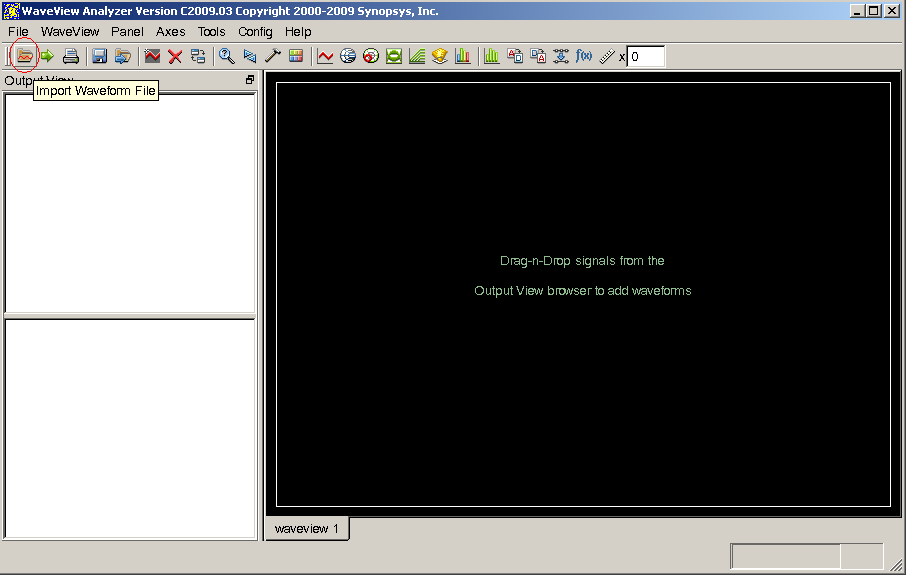
open simulation file by click the button of Import Waveform File
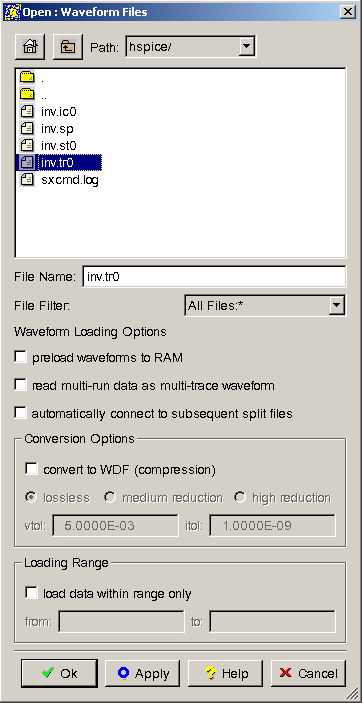
Select you simulation file:
- Verilog simulation select
YOUR_VERILOG_FILE.dump - Hspice simulation select
YOUR_SPICE_FILE.tr0
then click OK
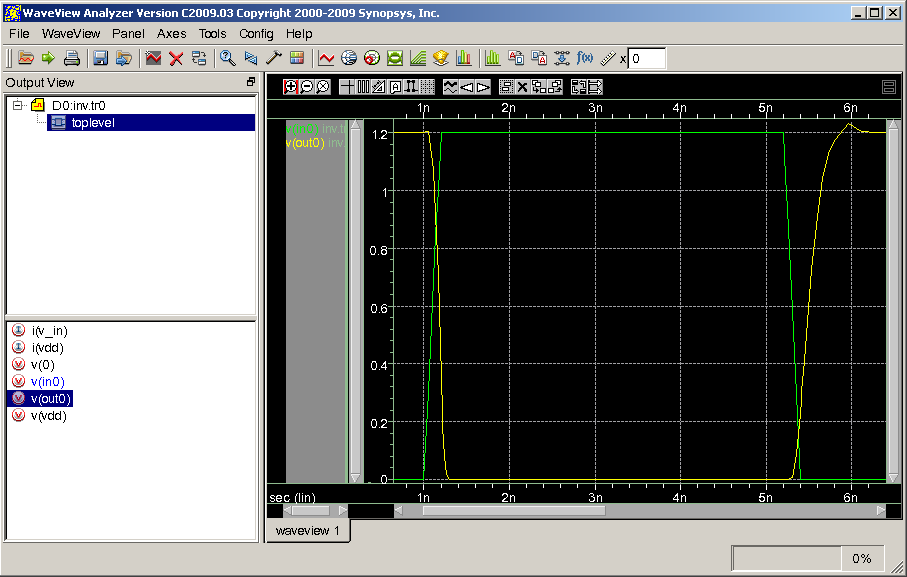
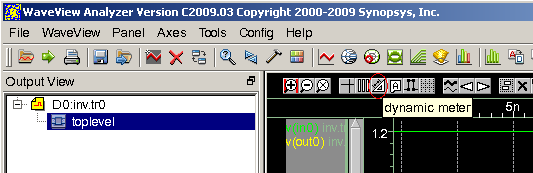
Select the test design toplevel and double click the signal of your interests
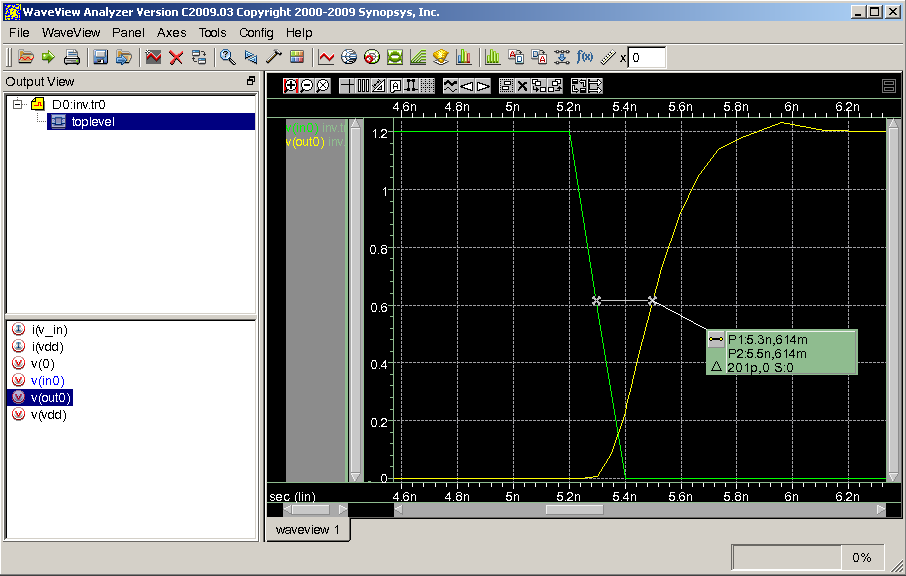
Measure tool:
By click on the dynamic meter
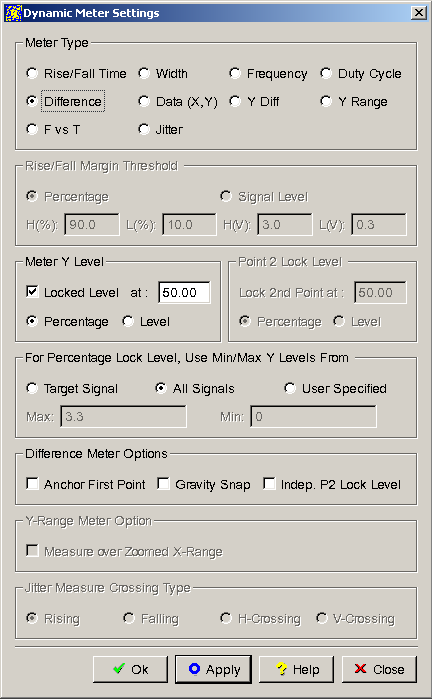
Click on the Difference and check Locked Level of Y at 50.00 and check Percentage then click OK
After the meter is created, connect it to your signals.
In this example, the delay time is 201p from input(in0) to output (out0)